
dev-tools • August 16, 2026
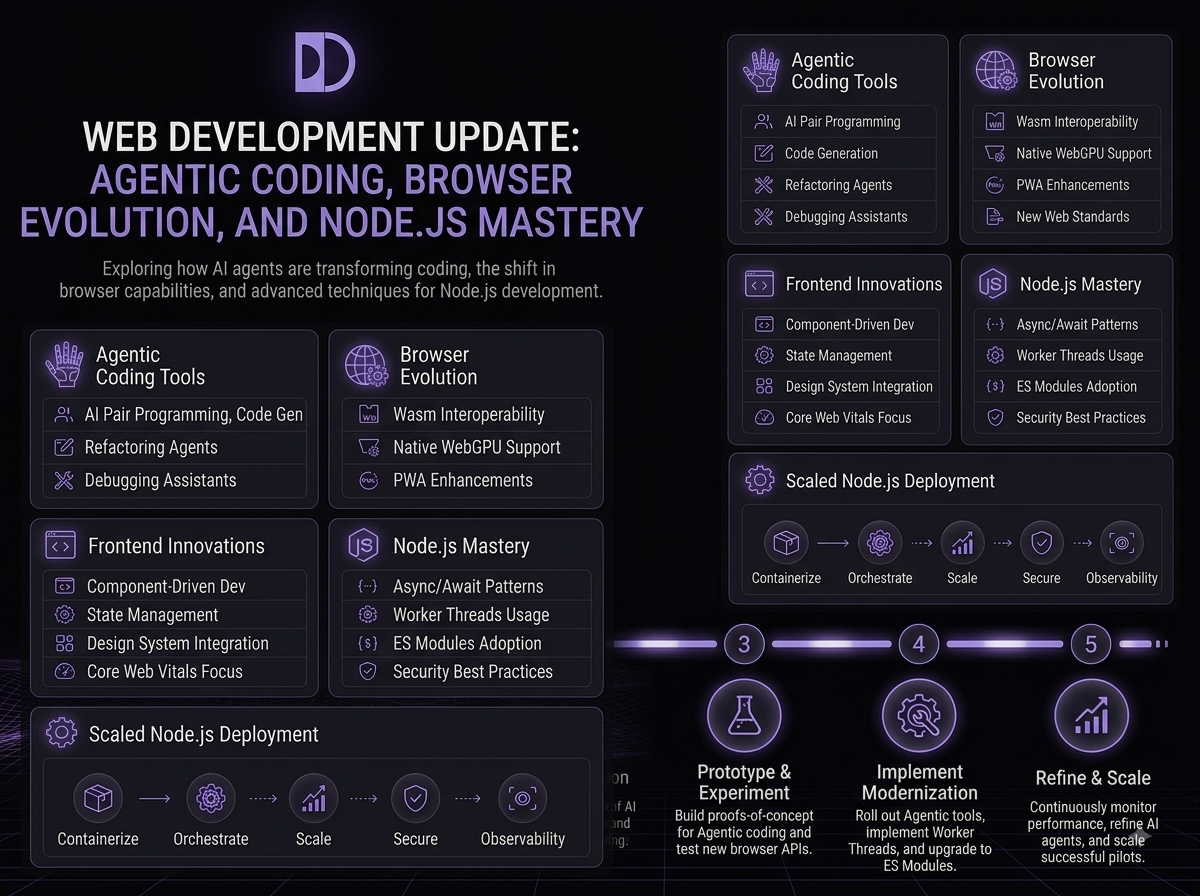
The web development landscape continues its rapid evolution as 2026 unfolds, bringing new capabilities that reshape how developers build, test, and deploy applications. From AI-assisted coding to fundamental shifts in browser technology, staying current requires understanding both the opportunities and the constraints of emerging tools. This month brings significant updates to developer-favorite platforms that warrant close examination.
Whether you are evaluating new AI coding assistants, considering browser choices for your projects, or looking to deepen your Node.js expertise, the current ecosystem offers both powerful new options and important considerations. Let's dive into the most impactful developments from August 2026 and what they mean for your development workflow.
Visual Studio Code version 1.132 marks a significant milestone in the evolution of agentic coding, introducing side chats and browser comments that fundamentally change how developers interact with AI assistants during the development process. This release recognizes that AI coding assistance is no longer just about autocomplete suggestions but about creating collaborative workflows where humans and AI agents work side by side on complex tasks. The side chat feature allows developers to maintain context-rich conversations with AI agents without losing their place in the code editor, creating a more natural flow between human direction and AI generation.
Browser comments add another layer of integration by enabling AI agents to annotate and interact with web pages directly from the development environment, making it possible to prototype, test, and debug web applications without leaving VS Code. This tight integration represents a pragmatic approach to the growing demand for AI-assisted development while maintaining the control and oversight that professional development requires. The feature set acknowledges that while AI can generate significant code, human developers still need to review, test, and refine that output within their familiar workflow.
More From the Blog
Contact Me
for any advice
